GDO710 - Week 2: Creativity
When looking at the assignment this week I struggled to come up with an creative idea to design for. After spending a few days thinking about what I could do and seeing some of the amazing work of my classmates, I thought it would be a good idea to take a painting and make it into a mobile application.
While out with my daughter this week, we went to the street artists in Phnom Penh, looking for something that I could remediate. My goal was to find an artifact that was colorful and that reflected life in Cambodia. After shopping for awhile we found a wonderful painting depicting a very common scene in Cambodia: a mother and her children selling fruit.
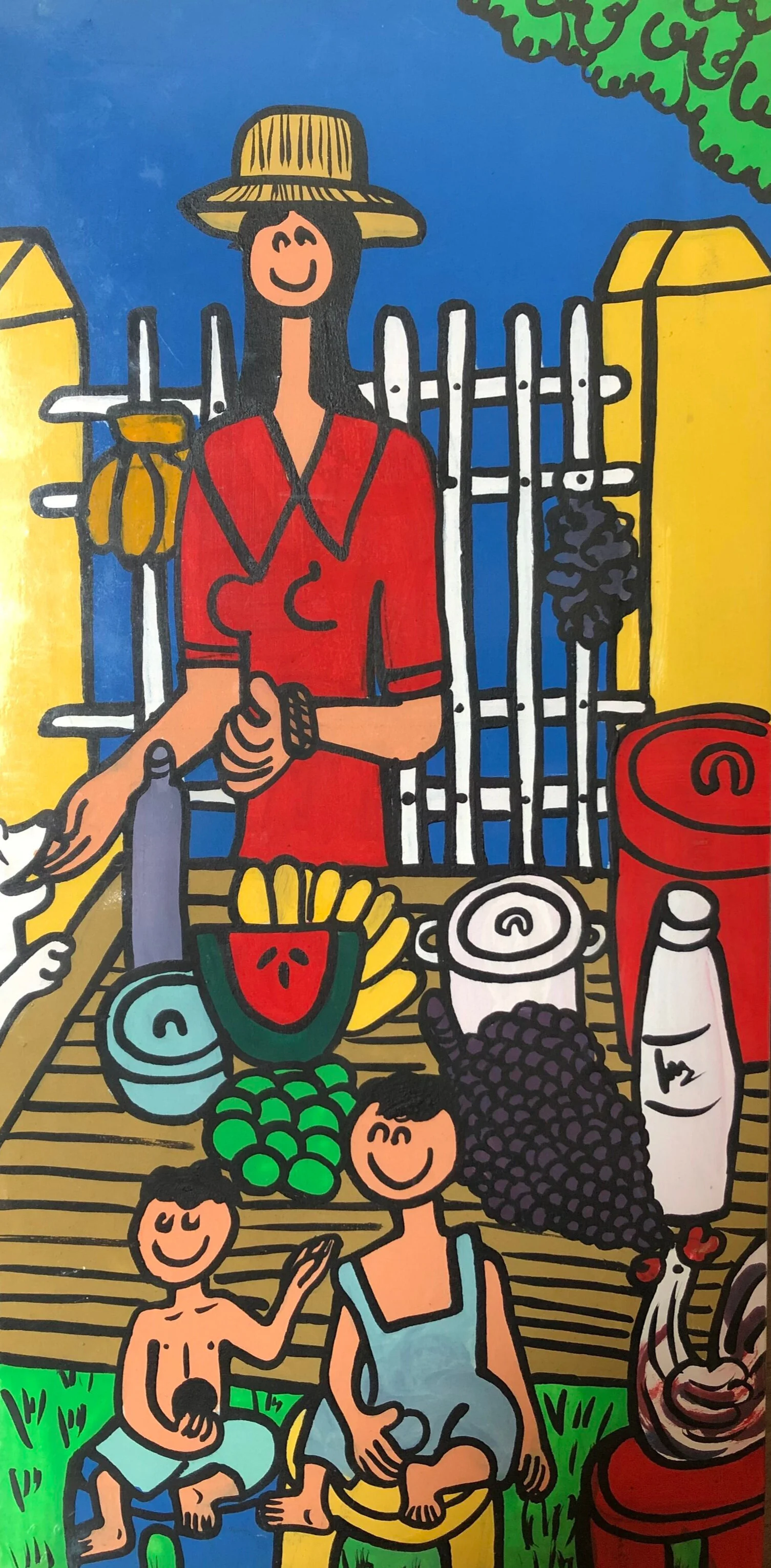
Fruit Seller Painting by Unknown Artist
Now that I had the artifact to remediate I wanted to find a technique that I have not used before. This week we were introduced to a few interesting concepts, most notably the SCAMPER technique and the ICEDIP method.
When reviewing these methods I noticed that the SCAMPER method seemed to be focused on micro-interation, a process of small changes that lead to a re-envision of the original product or service. The concept around the SCAMPER method is focused on how we can innovate on an existing product, service or situation by looking through different lenses(Friis Dam and Yu Siang, 2021).
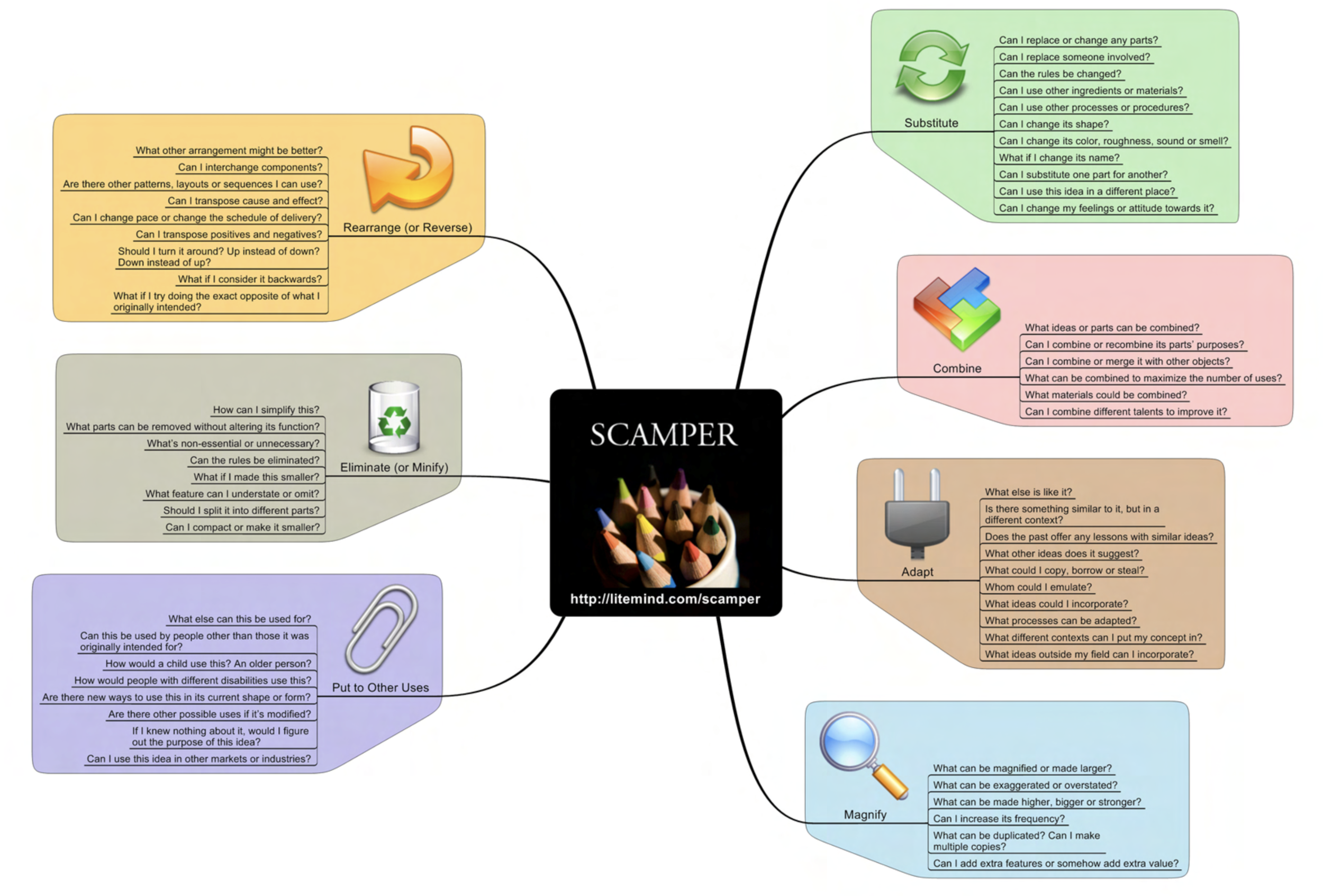
Scamper mindmap example (https://litemind.com/scamper/)
ICEDIP starts with a very open idea generation phase, similar to brainstorming, which would allow me to think differently than ideating the original artwork. Knowing that I wanted to do a complete change to the artifact, rather than smaller iterative changes led me to choose to work with the ICEDIP method (Week 1.2: Fostering Creativity with the ICEDIP Model - ScaryBlankPage®, 2021).
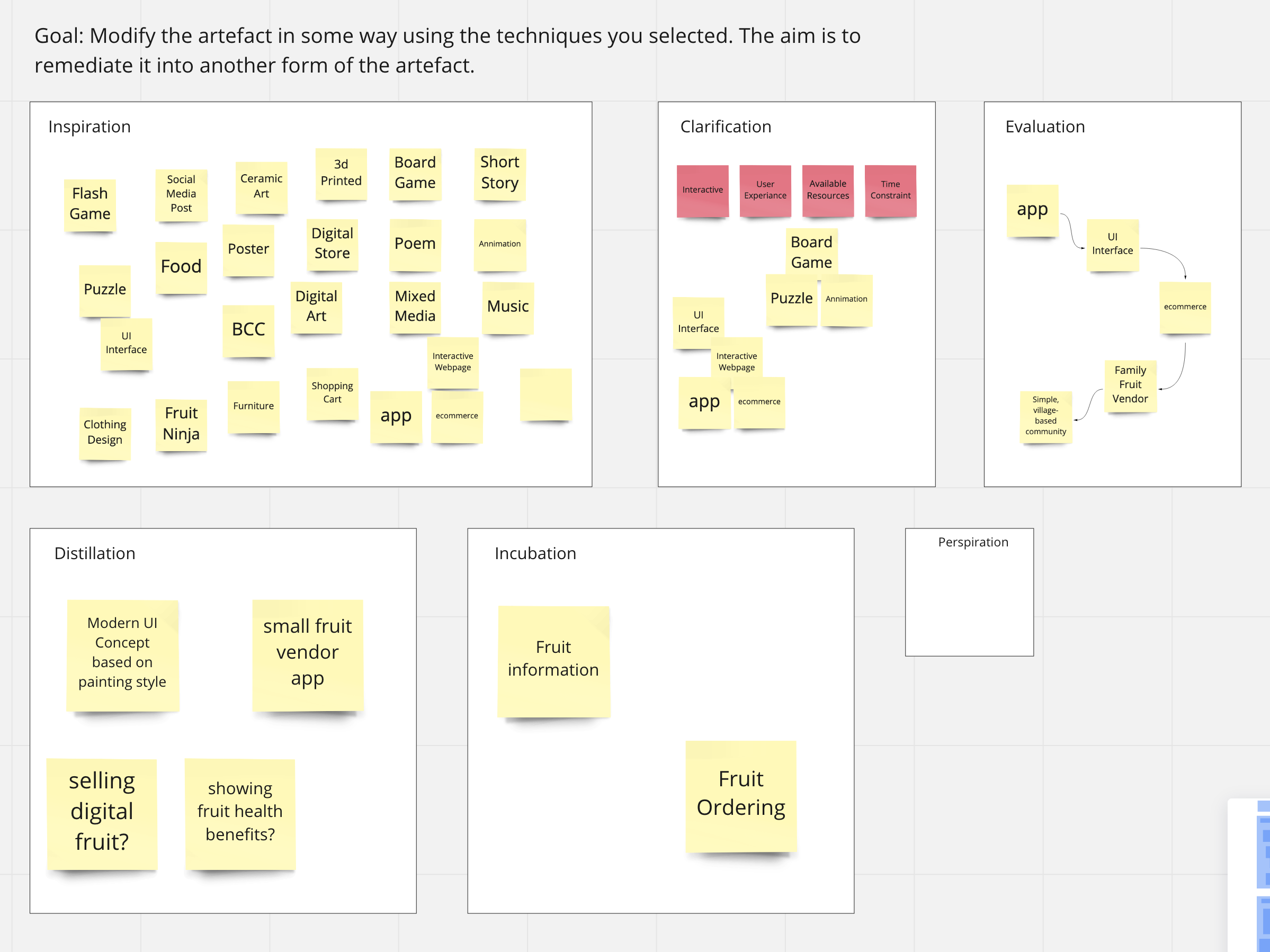
The ICEDIP method is an acronym for the specific phases of the process:
-
Inspiration – Generate and harvest a large number of ideas
-
Clarification – Definition and clarification of what is to be achieved
-
Evaluation – Review ideas and identify improvements
-
Distillation – Select ideas worthy of further development
-
Incubation – Gestation period, pause and allow subconscious time to work
-
Perspiration – Where the work gets done
After reviewing the two models I was interested in using for this activity, I ended up going with the ICEDIP method. The main reason for this was SCAMPER seemed to be best suited for iterations on existing products. While I am sure that it can be used for new idea generation, I was unable to find a suitable example of SCAMPER for idea generation.
To test the ICEDIP method I setup a Miro board with the phases setup with how I would typically whiteboard out an idea with Sticky Notes:
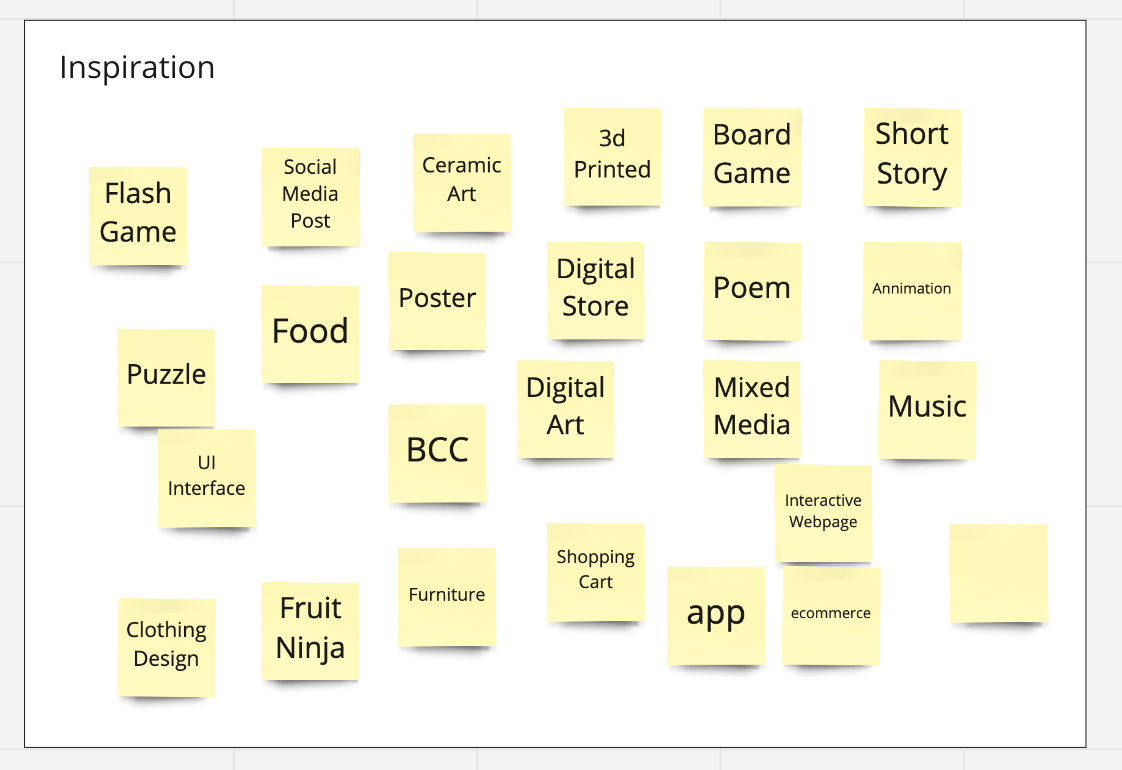
First step was to just get all the ideas out of my head, keeping in mind that there is no bad idea! Anything crazy, strange, or absurd is allowed, and I find is the most fun! Here is what the brain dump of ideas looked like tfor the inspiration phase:
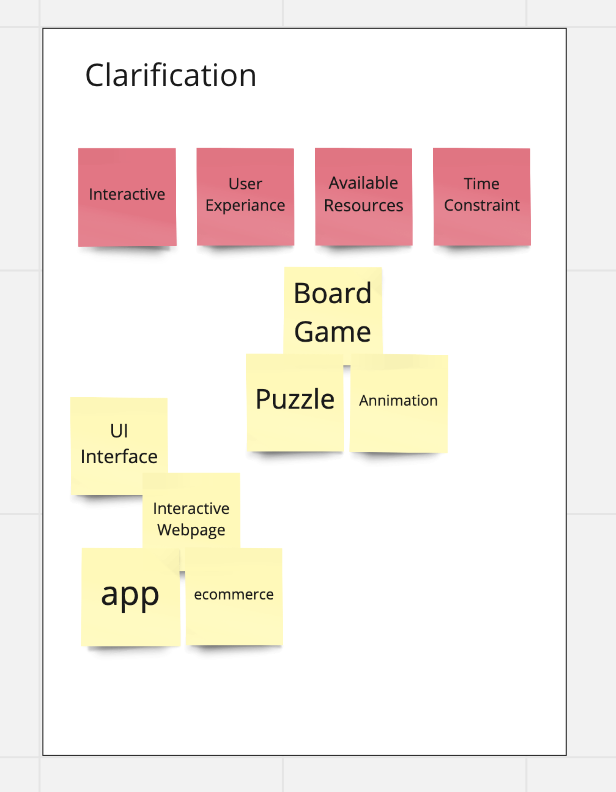
Then refined those ideas through the clarification phase. I added four key items, the red notes, I wanted to achieve which would help me define the broad aim.
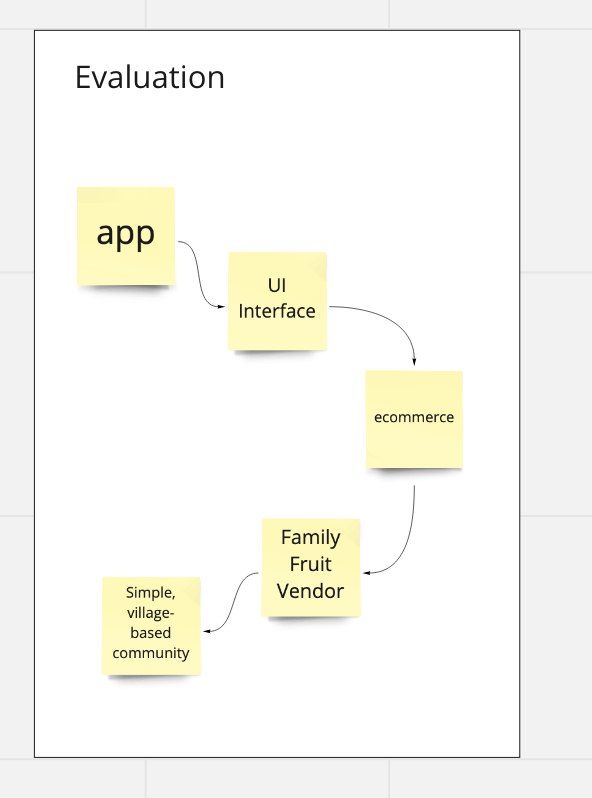
I evaluated the refined ideas and sketched out a rough evaluation flow that helped be better understand what I wanted to focus this on.
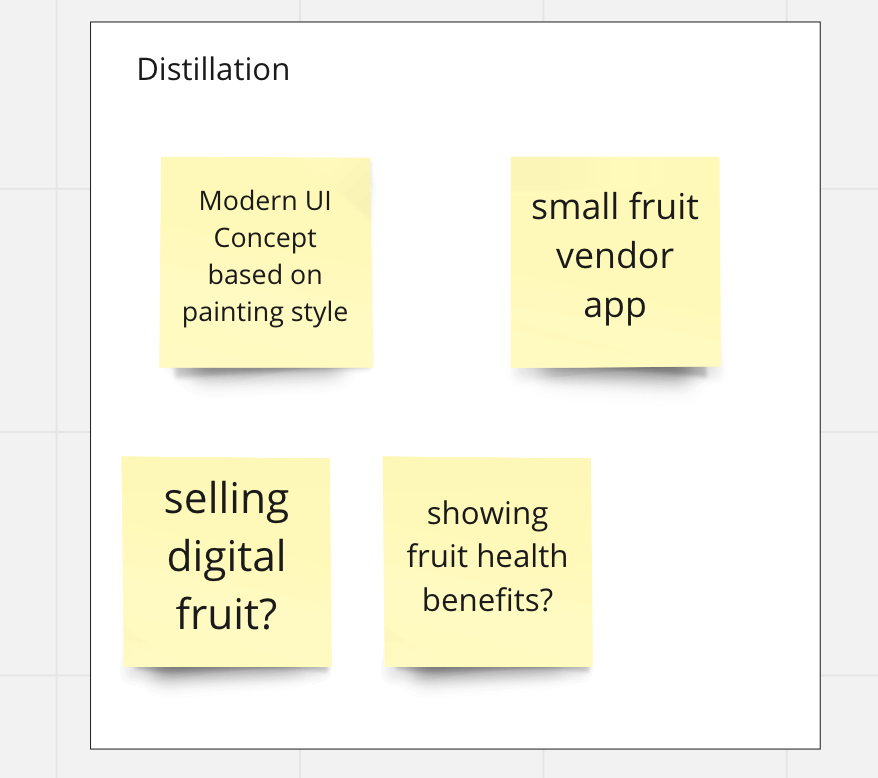
Then through the distillation phase I further identified two main ideas that could be developed further.
The incubation phase is one step in this process that I found that matched my preferred process. Often in design thinking, we can become bias towards action, which can help in certain design projects, but I find being able to take a deliberate break from our work can help me solve problems or think of different approaches.
Once I was able to come back fresh to my work, I refined my idea down to a simple concept: a UI for a mobile app that teaches about SE Asian fruit. When I first moved to Asia I found the fruit to be so different from what I grew up with and was always curious about what they were.
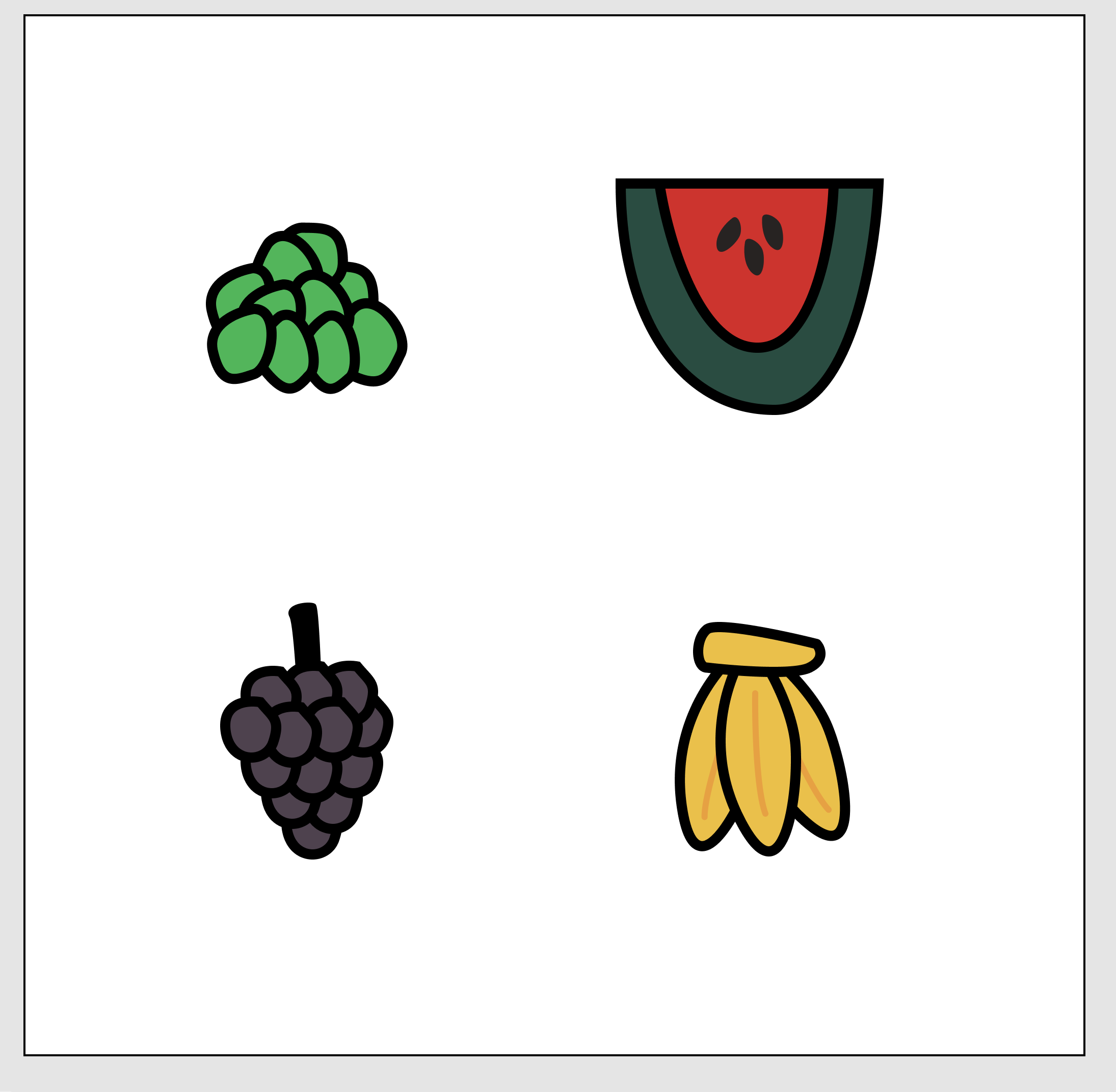
From here it was time to start working on a prototype. I started by drawing a few fruit icons, following the style of the painting.
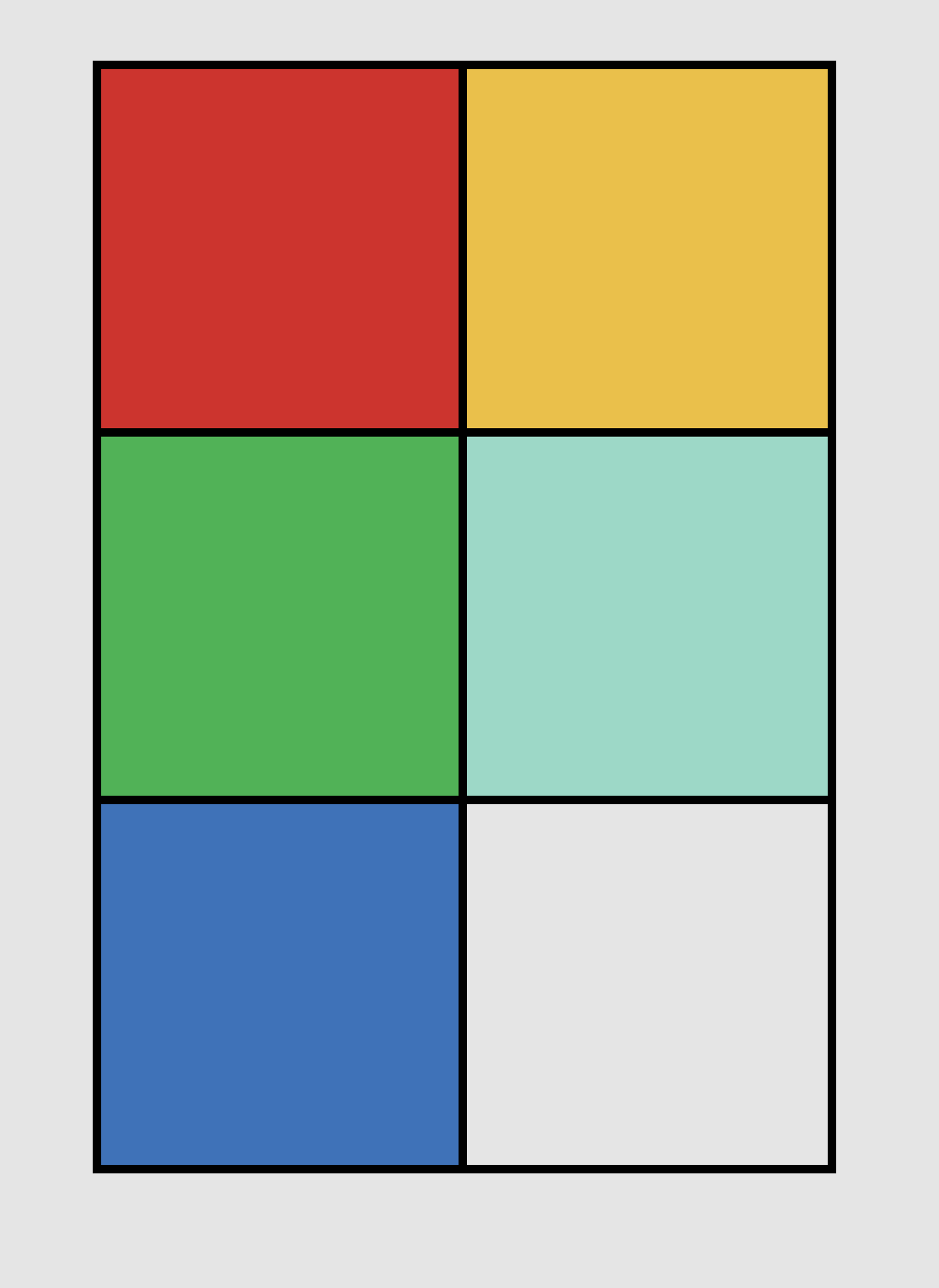
Part of the color palette concept
Then I worked on a color palette, pulling the strong colors from the original painting. I wanted to capture the strong, bold colors and line work that was done on the painting. I liked the colors, but I didn’t like the layout of this prototype. It felt a bit too much like the old Windows phone UI.
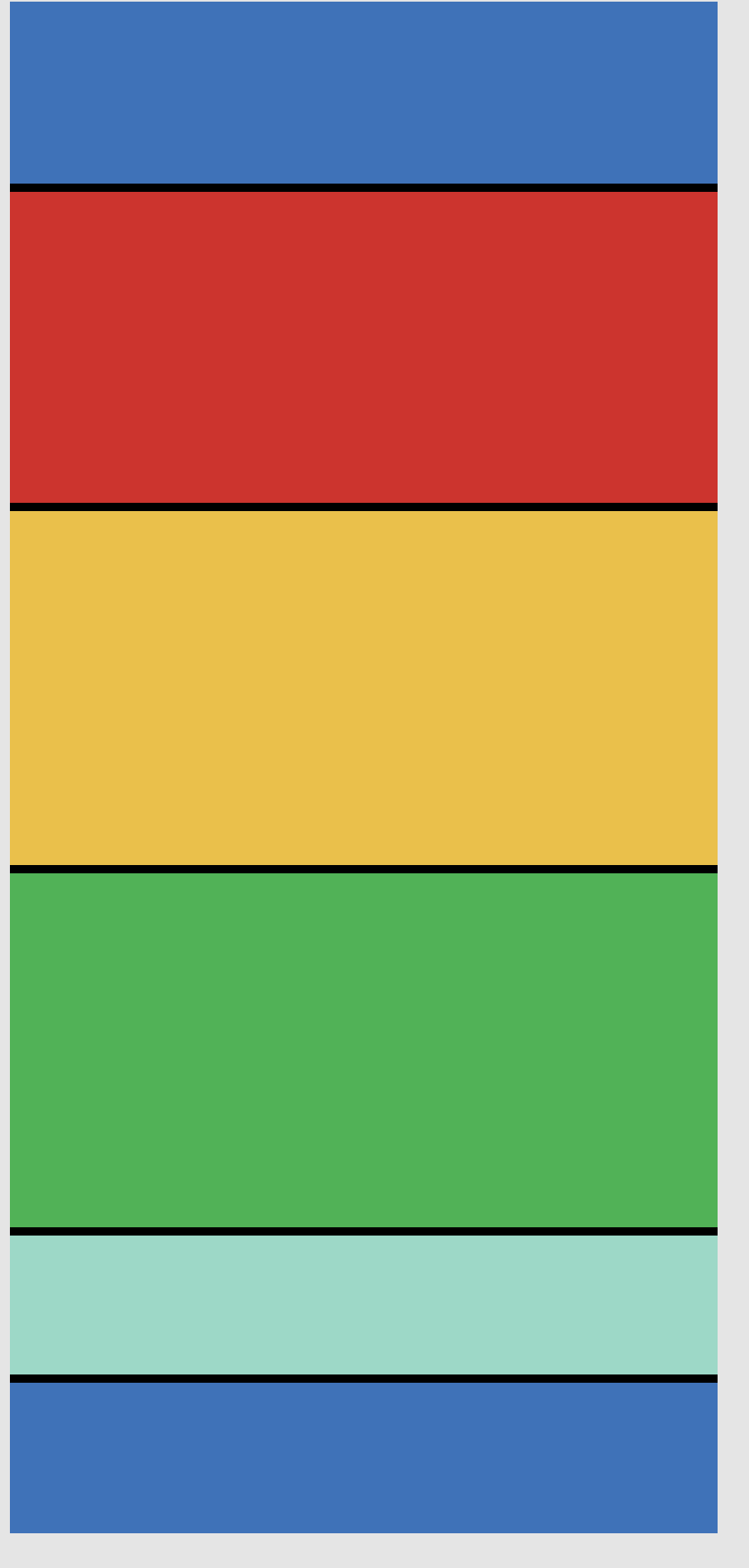
A list view can provide more room for the icons and text.
At this point I modified the layout to be a more standard list view type app, where the icon and basic information about the fruit could be stored. This layout felt like it gave the most information to the user while at the same time highlighted the fruit icons.
The final result was this prototype I built in Figma: